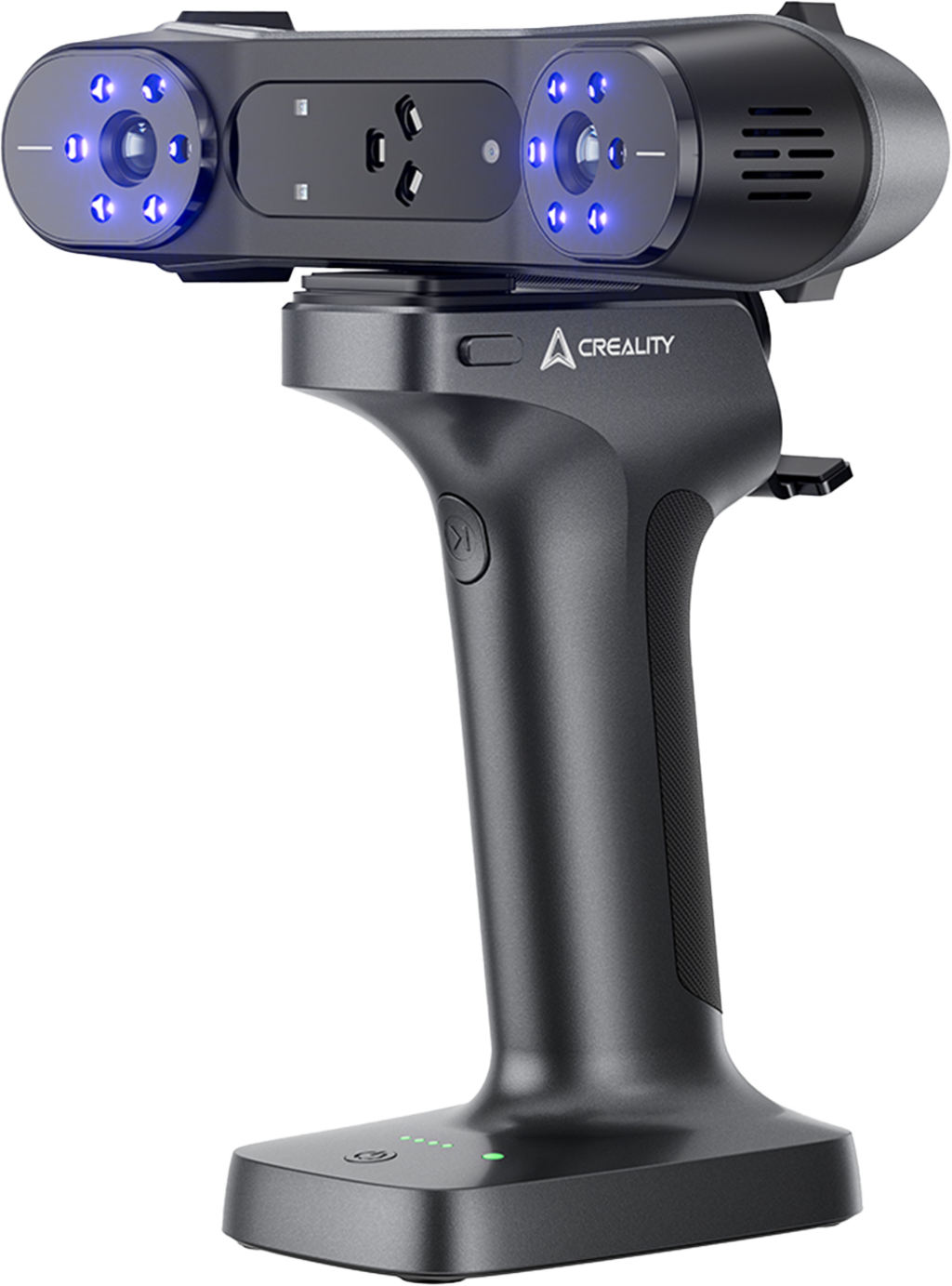
In this introduction, you’ll learn how to use the new Creality Raptor X 3D scanner at Happylab to digitize objects quickly and accurately.
The Creality Raptor X is a powerful all-purpose 3D scanner that uses structured light projection to generate high-resolution 3D models of a wide range of objects. Whether you want to digitize prototypes, reconstruct spare parts, capture figurines, or prepare models for further steps such as 3D printing or CNC machining, the scanner offers many possibilities.
You’ll learn:
- the scan modes the Raptor X provides and which objects they are suited for
- how to prepare your object for scanning (lighting, positioning, fixation)
- how to set up and calibrate the scanner
- how to carry out the scanning process step by step
- how to work with the Creality Scan software
- how to clean, merge, align, and refine raw scans into a clean 3D model
- how to export your finished model and prepare it for further applications (e.g., 3D printing)